
2027 Quick Guides
September 2026

Note: These are confidential until October 1, 2026.
Choices 65-01 Quick Guide

Instructions:
1. Click the download button to open the file to a new tab, then save to your computer.
2. Open the PDF in Adobe Acrobat (not your browser)
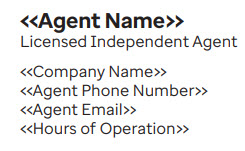
3. Click Edit in the top left menu bar and personalize the fields that have placeholder content like below.
4. Once you have added your information, save the document and print.
Choices 65-02 Quick Guide

Choices 65-03 Quick Guide

Essentials-Extras Quick Guide

D-SNP 01 Quick Guide

D-SNP 02 Quick Guide
